Ephemeral by default
- Closing the tab ends the run.
- Context is rebuilt by re-uploading files.
- The browser owns the runtime.
- One device, one window, one conversation.
Web UI for Pi Coding Agent v1.28.3
PI WEBUI runs Pi Coding Agent inside your real repositories and git worktrees — on the laptop in front of you or the server that never sleeps. Close the tab. The work keeps going.
The shift
Local-first tools assume the work lives with you, inside your tab, on your device. Agentic development breaks that assumption: agents keep working after the window closes, and the tools, credentials, caches, and repositories they depend on should stay put.
Persistence should not be bolted on after the fact.
Work should not disappear when a session ends.
You do not carry the work. You guide it.
What you get
Not a prettier chat box. A runtime you can point at real code, supervise from anywhere, and extend with plugins, model tiers, and remote machines.
A separate session daemon owns every running Pi session. Browser disconnects, UI reloads, and API restarts do not stop active work — you reattach to the same live transcript.
Point PI WEBUI at a project folder or a git worktree. Agents work where the code, dependencies, build caches, and credentials already are.
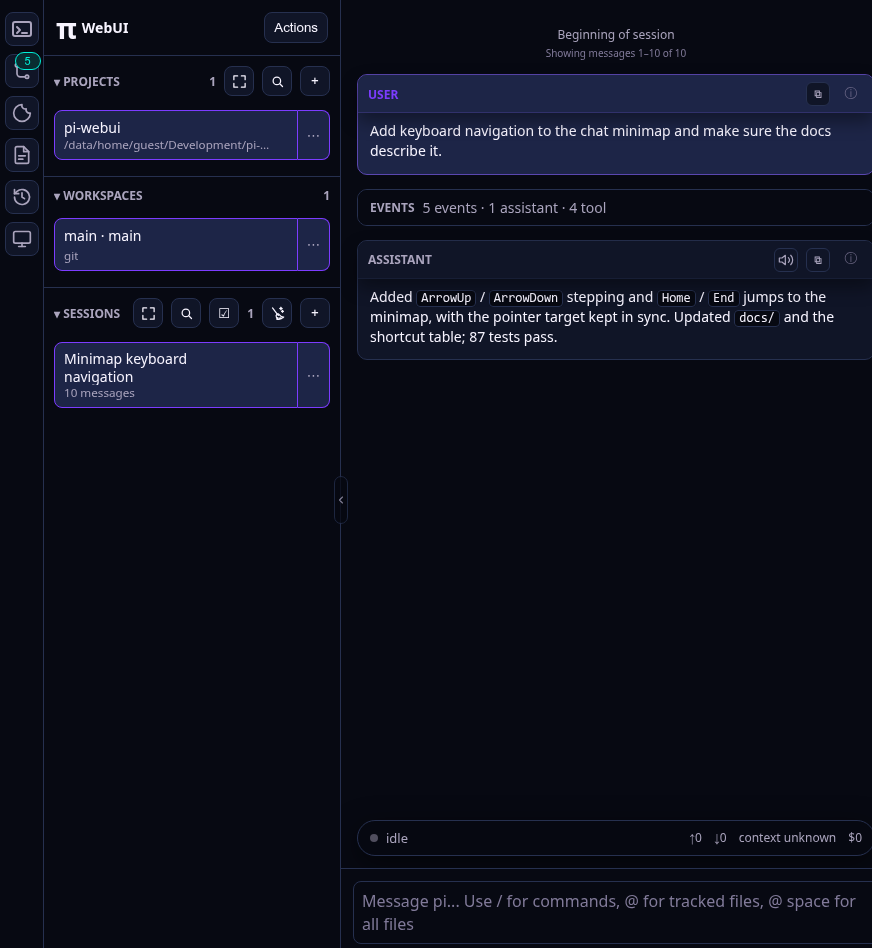
Run many sessions at once, step through long transcripts with the chat minimap, and watch live generation metrics while agents work.
Register other PI WEBUI runtimes and proxy projects, files, git state, sessions, terminals, activity, and Pi package management from one browser.
A six-rung economy → frontier ladder routes session work, while separate
utility models handle titles, branch summaries, and compaction.
Inspect diffs, browse the tree, preview images, and open a terminal without leaving the conversation or the machine hosting it.
Trusted browser plugins add actions, workspace panels, and metadata. Pi packages install per workspace from the UI, and skills, prompt templates, and themes stay scoped to the project that needs them.
The core model
Everything in PI WEBUI maps onto this ladder — from a laptop to a fleet of servers.
A local or remote PI WEBUI runtime endpoint. Remote machines are proxied through the browser-facing instance.
A folder on that machine. Add it once, then work inside it from any device.
A git worktree, or the project folder itself for non-git projects. Agents run here, in place.
A Pi Coding Agent conversation with its own model policy, tools, transcript, and cost accounting.
~/workspace.Screens
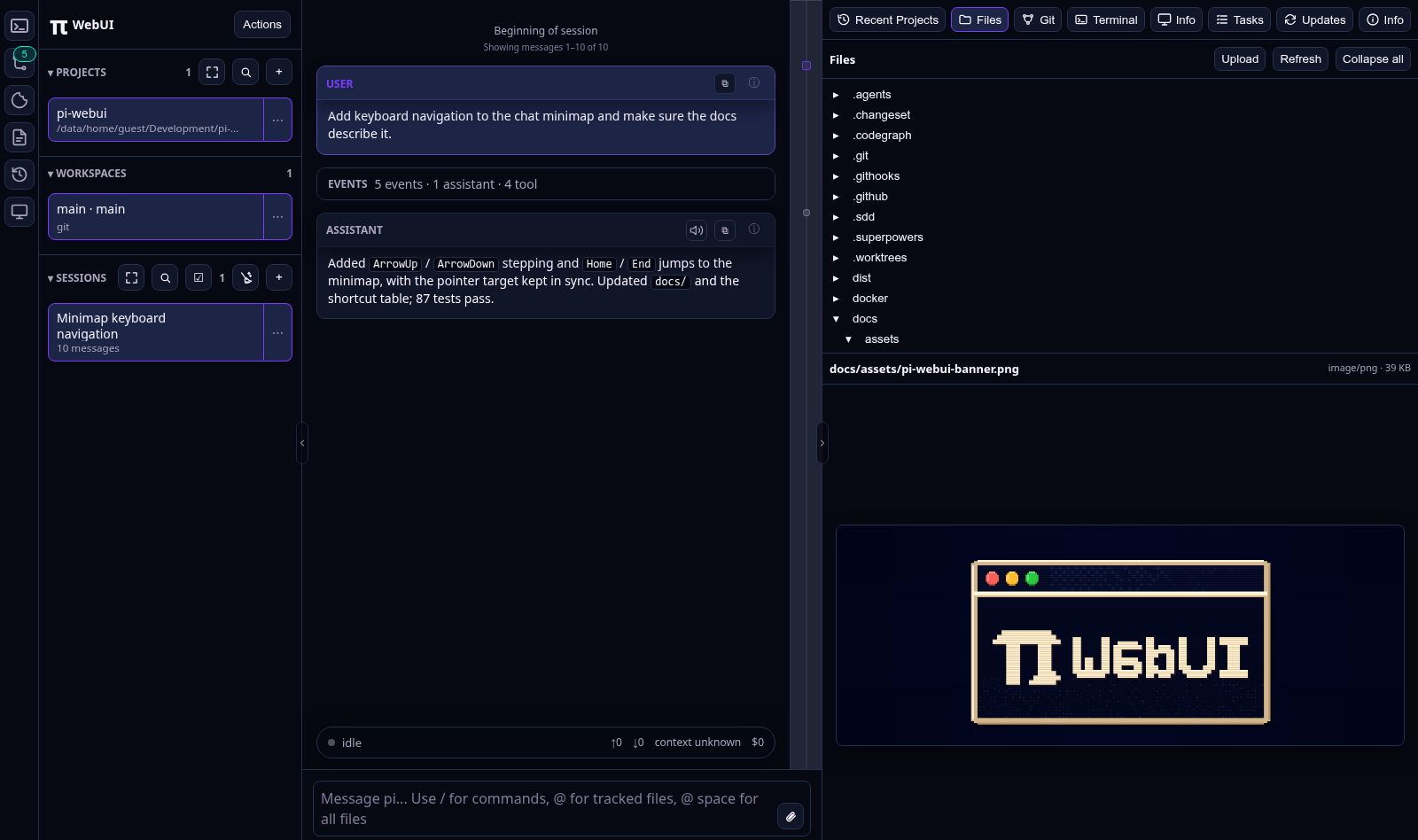
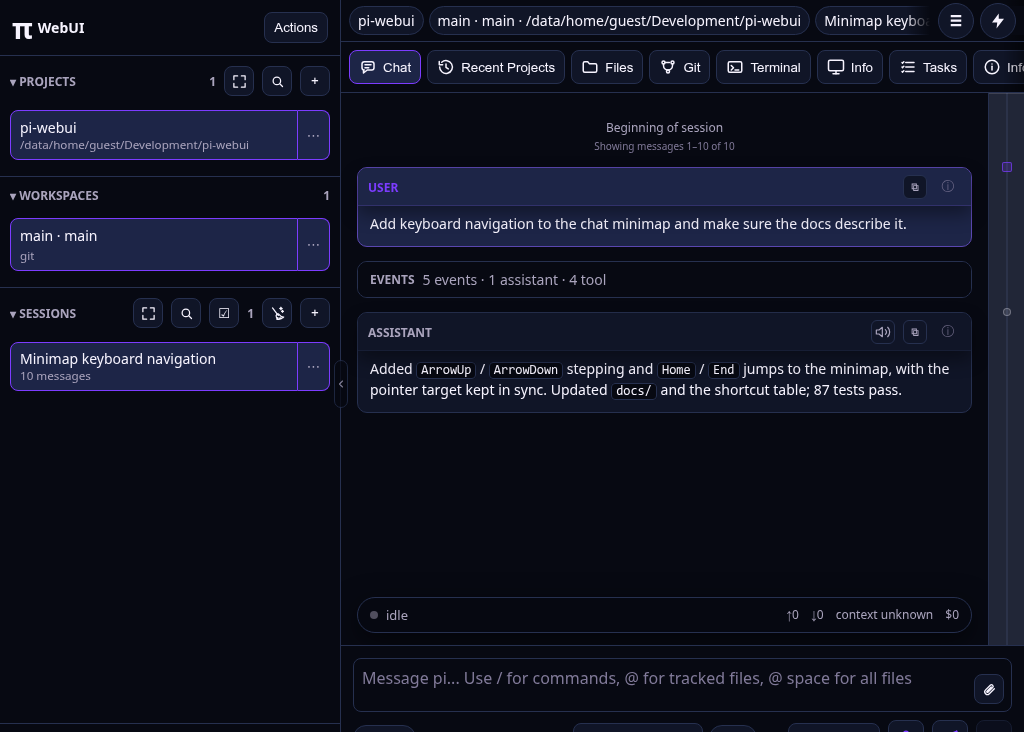
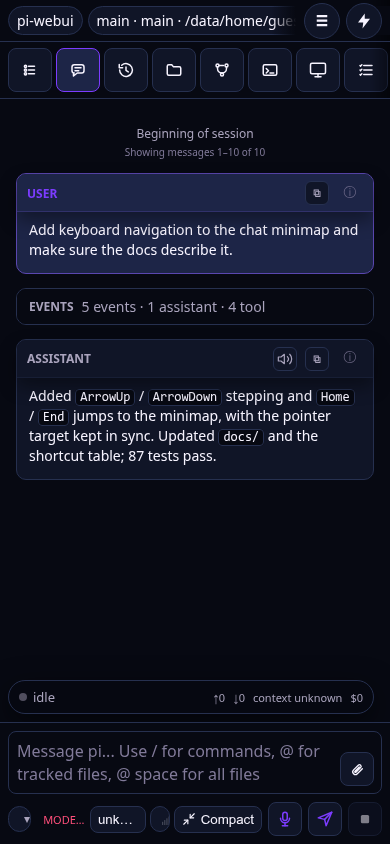
The same live sessions, framed for whatever glass is in front of you.
Install
Node.js 22.19+, npm, git, and a Pi Coding Agent login. Everything else is your normal toolchain.
npm install -g @hyperdreamer/pi-webuipi-webuiVisit http://localhost:8809. Then set up Settings → Model tiers and Settings → Utility models before serious work.
git clone https://github.com/hyperdreamer/pi-webui.git
cd pi-webui
npm install
./start.shKeep reading
Tiers, utility models, host and path access, uploads, and per-project overrides.
PluginsWrite trusted browser-side plugins and ship Pi packages alongside them.
Extra skillsOpt-in skills for deterministic plans and subagent-driven development.
RepositoryQuick start, changelog, architecture decisions, and the code itself.
FAQ
Nothing. Sessions are owned by the session daemon, not by a tab. Reopen the UI and you reattach to the same live transcript, tool calls, and metrics.
Yes. The UI adapts to desktop, tablet, and phone layouts, and every device sees the same sessions on the same runtime.
Not directly. PI WEBUI assumes trusted users and trusted repositories and is not a sandbox or multi-tenant service. Use a private network, VPN, SSH tunnel, or an authenticated reverse proxy, and keep your own access controls in front of it.
Global user/machine config is at $PI_WEBUI_CONFIG or
~/.config/pi-webui/config.json. Project-local config lives in
<project>/.pi-webui/config.json. PI WEBUI-managed state such as projects and
machines lives in ~/.pi-webui.
Register another PI WEBUI runtime as a machine. The browser-facing instance proxies projects, files, git state, sessions, terminals, activity, Pi package management, and selected-machine settings from it.
Services run login shells, so fix PATH in your login shell startup files. If you installed
PI WEBUI as user services, restart them afterwards; on a split setup, the session daemon is the process
that needs the restart.